Blond + Red
Blond and red are the entered colors. Brown and black remain selectable extras.
 FutureBabyLook
Choose natural hair colors for two parents and compare a free palette of baby portrait scenarios.
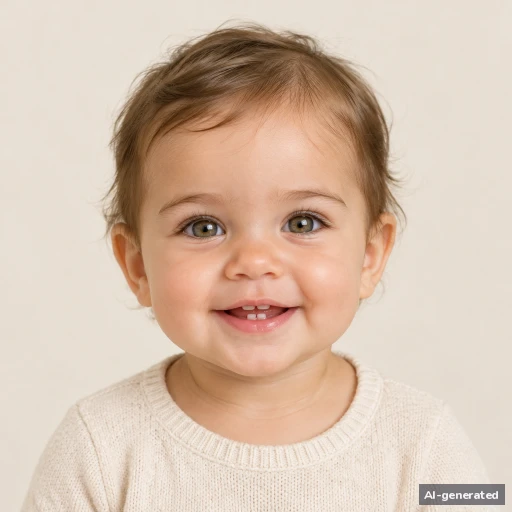
Enter Blond and Red above. Those two cards appear first. Black and brown are additional artistic choices. Select Brown if you want to explore the illustrated look.
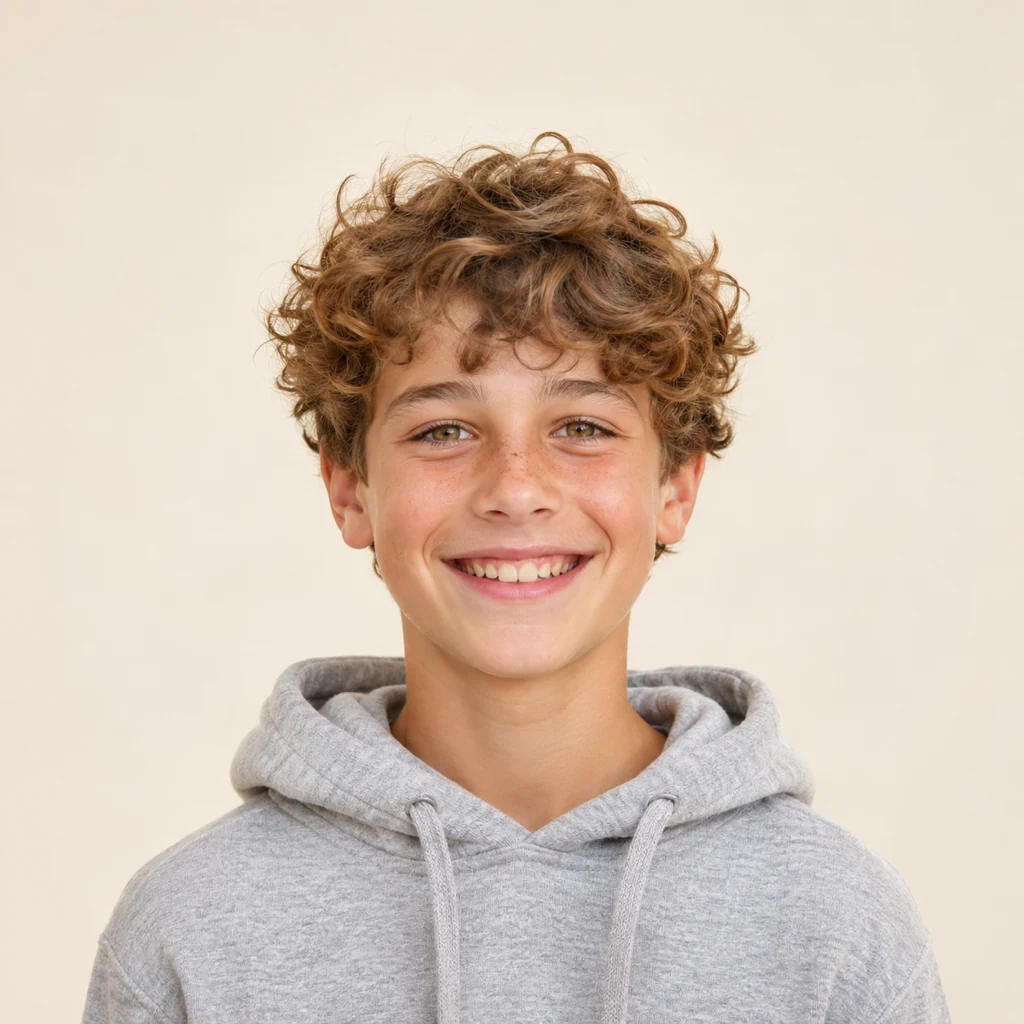
This brown-haired child is an AI illustration. Your free portrait uses age 12 months. The calculator itself needs no photographs, account or payment.
Blond and red are the entered colors. Brown and black remain selectable extras.
A single brown card summarizes both entries, with three extra artistic colors.
No childhood color is inferred. The tool explains the missing information and offers artistic looks.

Choose natural shades, Gray/white or Unknown.

Compare entered and additional colors without probability percentages.

Take a chosen hair color into the optional portrait generator.
This baby hair color calculator organizes color scenarios from two entries. It returns a selectable palette with a clear distinction between your entered colors and extra artistic options.
A child hair color calculator cannot derive a personal probability from two natural shades. The card count and order carry no probability meaning.
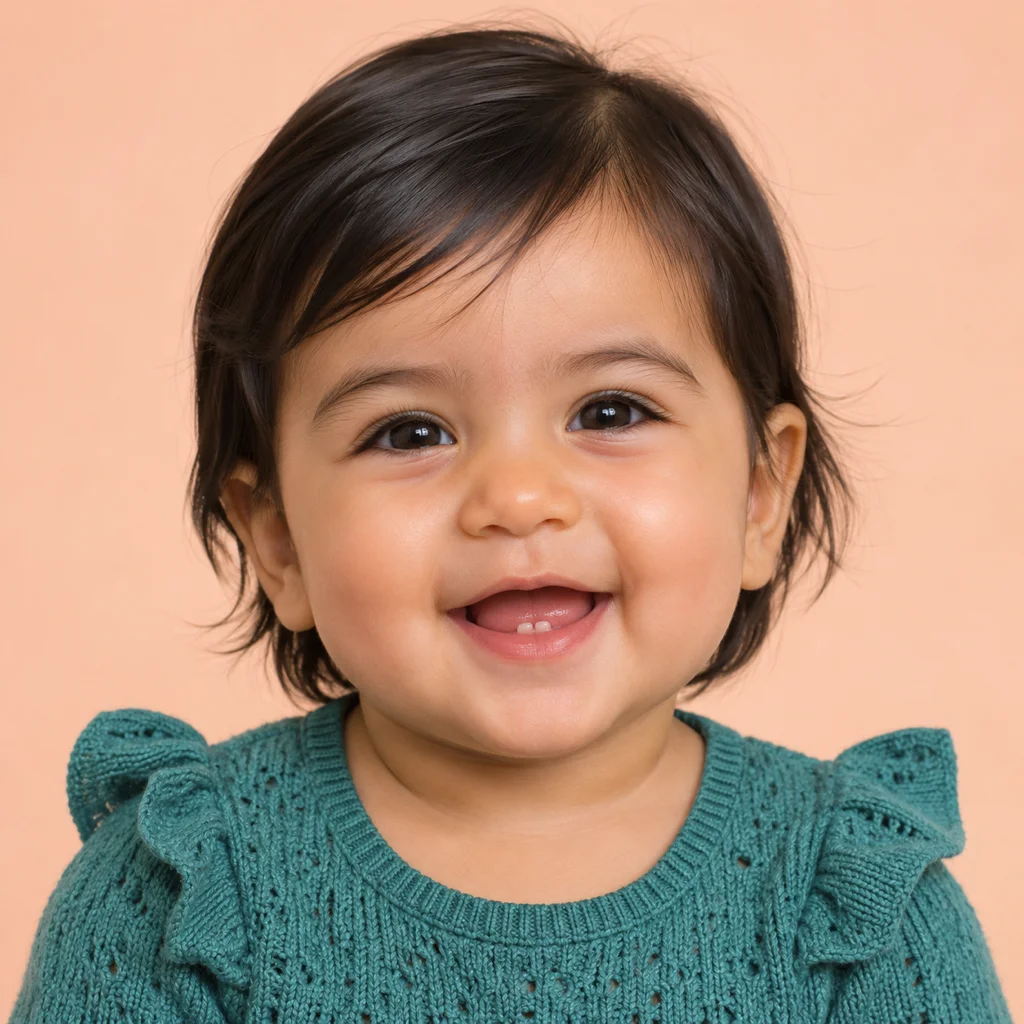
Choose a remembered natural color when a parent dyes their hair. If their current hair is gray or white and you do not know an earlier natural shade, use Gray/white or Unknown.
Many genes influence hair pigment. A current gray/white shade does not supply a child hair-color conclusion for this tool.
This calculator has two parent inputs. It does not have fields for hair colors of grandparents or great-grandparents. You can still select any of its four artistic portrait colors.
For a broader family palette of eye colors, the separate eye calculator with grandparents is linked in the footer.
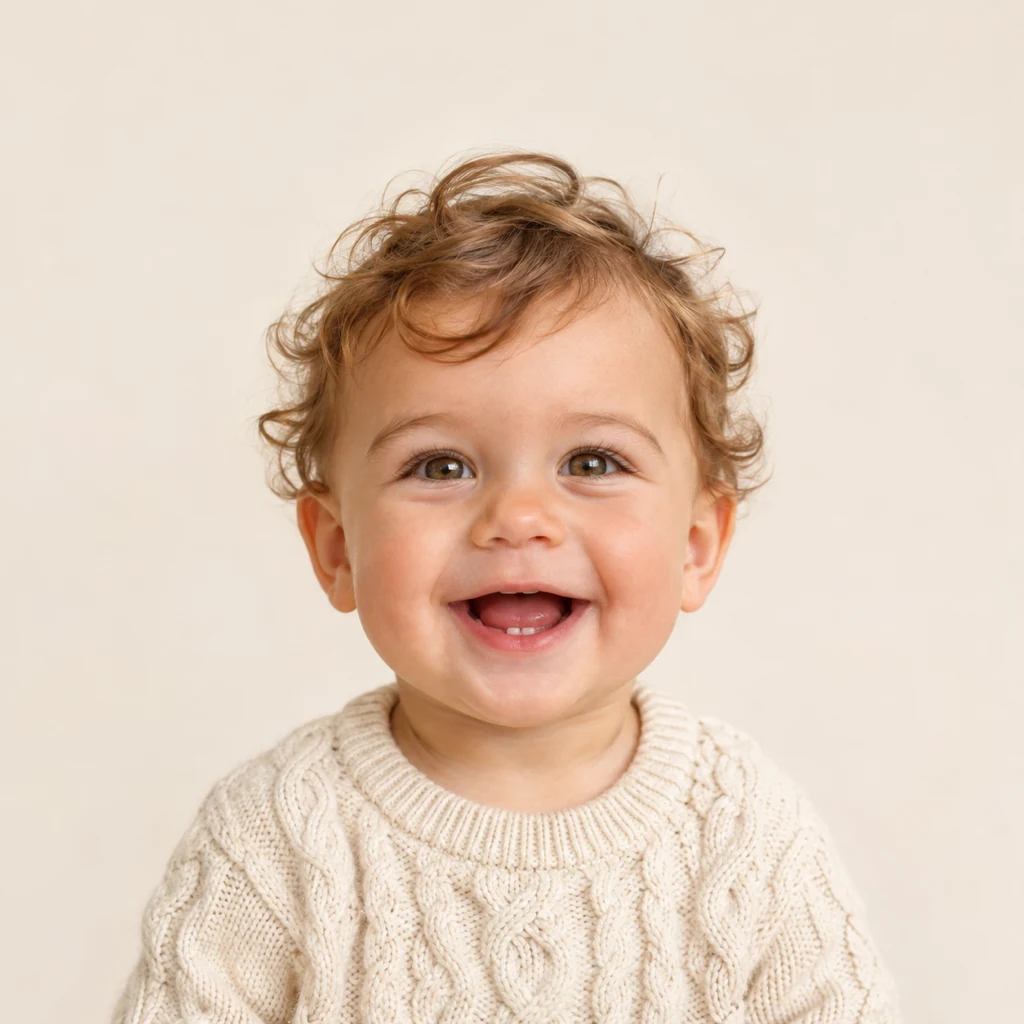
First portrait free
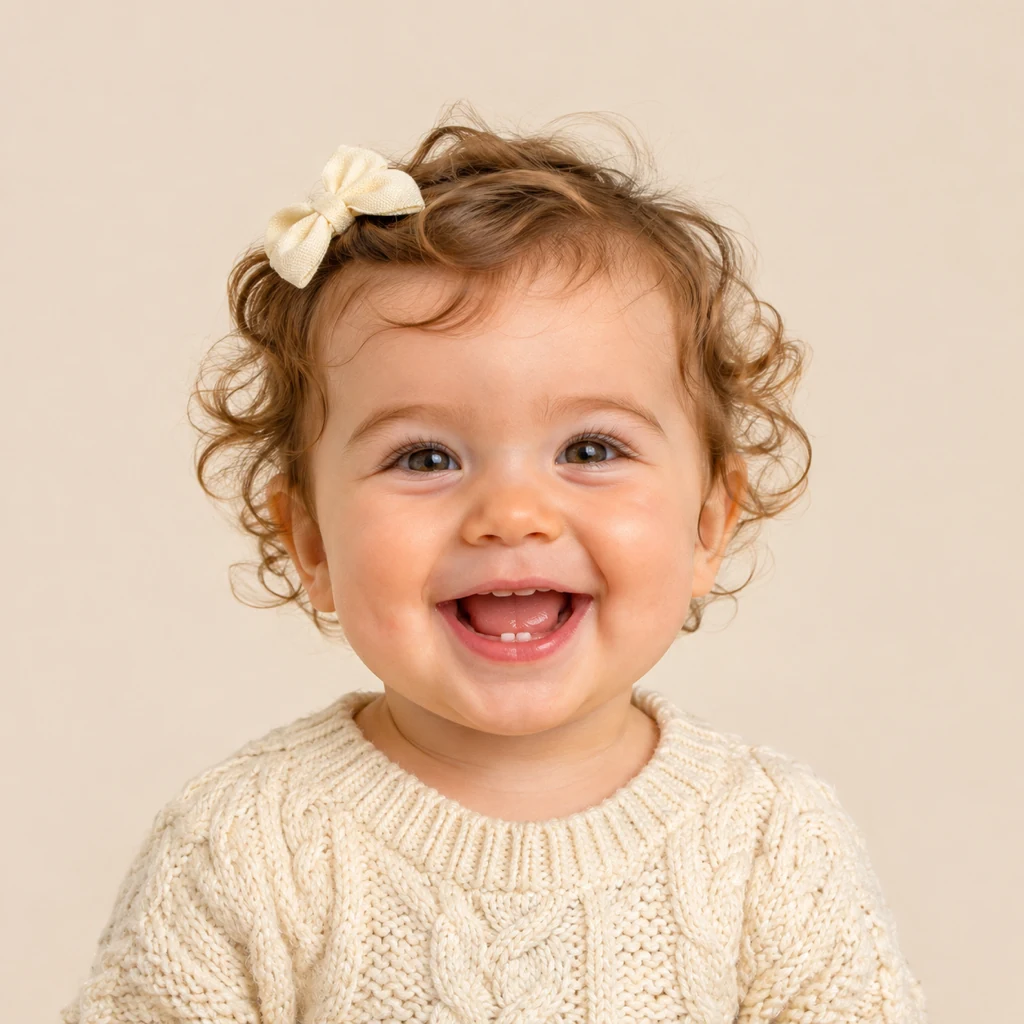
Boy and girl scenarios
Different ages
The cards are illustrative colors grouped from your selections. They help you choose the hair color to request in an AI portrait.
Yes. The two-input calculator is free online and requires no photos or sign-up. Creating a portrait is an optional next step.
This tool has no extended-family hair inputs and produces no inheritance odds. Visible family shades alone cannot establish a precise individual result.
Use their natural color if known. Otherwise choose Unknown. You can still explore artistic looks without supplying a guessed shade.
Yes. Press the scenario card, then the portrait button. Brown becomes the requested artistic hair color, which you can review in the generator.