Straight + Coily
Two entered cards. Curly and wavy stay available as extra artistic looks.
 FutureBabyLook
What hair texture will my baby have? Explore straight, wavy, curly and coily artistic looks.
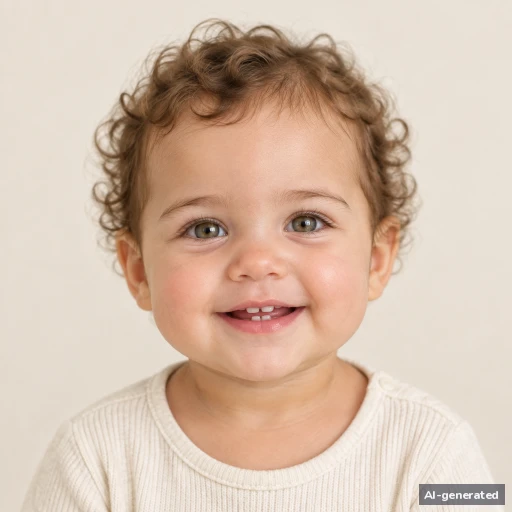
Choose Straight and Coily to see those two entered textures. Wavy and curly appear as extra artistic options. Selecting Curly carries that choice into the portrait generator.
The illustrated curls are one creative interpretation. The tool assigns no inheritance percentage and makes no rule that two textures must produce a particular third texture.
Two entered cards. Curly and wavy stay available as extra artistic looks.
One wavy card appears, with straight, curly and coily extras.
Curly is the known scenario. Unknown adds no texture assumption.

Choose Straight, Wavy, Curly, Coily or Unknown for both parents.

Compare the textures you entered with additional artistic looks.

Choose a card to prepare that texture in the portrait generator.
Use each parent’s natural texture, allowing for styling or treatments. Choose Unknown when you are unsure. The baby hair type calculator uses broad labels to help you describe a portrait.
Texture cards use illustrative strand icons. These icons do not measure curl diameter, hair thickness or a child’s future hair type.
Many genetic factors contribute to hair texture, and texture can also change with age. A two-parent baby hair texture predictor chart cannot resolve all those influences.
The result keeps the entered textures visible and adds alternative artistic choices. It never calculates a straight-versus-curly inheritance percentage.

First portrait free

Boy and girl scenarios

Different ages
Parent textures alone cannot tell you the exact texture of a future child. You can select curly as an artistic look in this tool.
Select both parent textures, compare the entered and extra cards, then choose one texture for the optional portrait.
It is a browser-based scenario selector. It analyzes no genes or photographs and provides no personal odds.
This tool makes no such inheritance rule. Straight and curly appear as entered scenarios, with wavy and coily available as artistic extras.
Yes. Use the separate hair-color tool in the same browser tab. Its selected color can accompany the texture in the generator scenario.